Overview
Most courses stop when the demo works. This one starts there. Across 14 modules you build one product, a customer-support assistant for a fictional online store called BrightCart, and you take it all the way from a single model call to a deployed, tested, monitored service.
What you will learn
- 105 written parts, yours for good
- 23h 44m of reading, measured not estimated
- Written for the introductory level
- Every future revision included
- UPI, cards and netbanking
Prerequisites
- A Google account, to run code in Google Colab. Nothing to install.
- One free API key, from Groq or Google Gemini, to use in Colab. Or no key at all, if you run a model on your own computer with Ollama and work in a code editor.
Curriculum
16 sections · 105 parts · 23h 44m35 min free to read · 23h 9m with the course
01Course guide5 parts · 25 min
- AI Engineering: The Complete CoursePreview3 min
- How This Course WorksPreview3 min
- Setup: Colab, Your Model Provider, and Running LocallyPreview9 min
- The BrightCart ProjectPreview3 min
- Shared BrightCart DataPreview7 min
02Module 0: Quick Win2 parts · 10 min
- Module 0: Quick WinPreview1 min
- Lesson 1: Your first model call, and what it cannot knowPreview9 min
03Module 1: Programming Foundations8 parts · 112 min
- Module 1: Programming Foundations2 min
- Lesson 1: One support ticket, taken apart in Python16 min
- Lesson 2: Async, waiting for many things at once18 min
- Lesson 3: From notebook cells to a project you can trust17 min
- Lesson 4: Git, a memory for the BrightCart project16 min
- Lesson 5: Talking to another system without getting hurt18 min
- Lab: Build the BrightCart API client16 min
- Incident: A key in the source, public for nearly five years9 min
04Module 2: Data Handling5 parts · 70 min
- Module 2: Data Handling2 min
- Lesson 1: Tables, arrays and files that do not lose rows20 min
- Lesson 2: Four gates between a messy export and data you can trust19 min
- Lab: Clean, validate and version the help centre19 min
- Incident: A number is not an anonymous person10 min
05Module 3: Machine Learning Basics7 parts · 94 min
- Module 3: Machine Learning Basics1 min
- Lesson 1: Can a program learn to sort tickets?16 min
- Lesson 2: Lines, trees and forests: the classic models18 min
- Lesson 3: Judging a classifier with the right numbers17 min
- Lesson 4: One object you can fit, test, save and hand over16 min
- Lab: Build the ticket classifier baseline13 min
- Incident: The flu model that beat nothing13 min
06Module 4: Deep Learning Basics6 parts · 86 min
- Module 4: Deep Learning Basics1 min
- Lesson 1: A small neural network, one mechanism at a time18 min
- Lesson 2: Embeddings, where a sentence becomes a point20 min
- Lesson 3: PyTorch, the standard way to build and feed a network18 min
- Lab: Train the ticket network and explore embeddings17 min
- Incident: A classifier that learned the wrong word12 min
07Module 5: NLP for Applications8 parts · 120 min
- Module 5: NLP for Applications1 min
- Lesson 1: From a messy ticket to tokens a model can count17 min
- Lesson 2: Three ways to turn text into numbers you can search19 min
- Lesson 3: Five jobs you can do with one ticket21 min
- Lesson 4: Reading one word at a time, and why it hit a wall17 min
- Lesson 5: Scores that lie, and how to catch them19 min
- Lab: Keyword search over the help centre17 min
- Incident: A whitespace trim took Stack Overflow down9 min
08Module 6: Transformers8 parts · 109 min
- Module 6: Transformers1 min
- Lesson 1: Attention, the step where words help each other14 min
- Lesson 2: Three ways to arrange the same block15 min
- Lesson 3: Teaching a model BrightCart's tickets18 min
- Lesson 4: Prompt, retrieve or fine-tune: where facts should live18 min
- Lesson 5: Serving a model: batches, speed and memory16 min
- Lab: Decide: prompt, retrieve or fine-tune16 min
- Incident: A serving bug dropped the best token11 min
09Module 7: LLM Engineering9 parts · 126 min
- Module 7: LLM Engineering1 min
- Lesson 1: Prompting, what you say and where you say it16 min
- Lesson 2: Getting a reply your code can trust15 min
- Lesson 3: Reliability, what happens when the model does not answer15 min
- Lesson 4: Context management, or what the model can still see17 min
- Lesson 5: What one answer costs, and how fast it arrives17 min
- Lesson 6: Security, when the text you read fights back17 min
- Lab: Build BrightCart's answer engine end to end18 min
- Incident: An update turned the chatbot against its company10 min
10Module 8: Retrieval-Augmented Generation (RAG)8 parts · 133 min
- Module 8: Retrieval-Augmented Generation (RAG)1 min
- Lesson 1: Getting the help centre in, cleanly20 min
- Lesson 2: Storing help-centre chunks so the right one comes back21 min
- Lesson 3: Finding the right chunk for every ticket21 min
- Lesson 4: Answers that stay inside the help centre18 min
- Lesson 5: Measuring whether the answers are right22 min
- Lab: Build rag_answer, grounded and cited19 min
- Incident: Search answers built on jokes and forum posts11 min
11Module 9: Agents and Tool Use7 parts · 96 min
- Module 9: Agents and Tool Use1 min
- Lesson 1: Tools, how a model asks your code for facts20 min
- Lesson 2: Agent loops, limits and a person who says yes18 min
- Lesson 3: State and memory, from one step to next week17 min
- Lesson 4: One returns task, four frameworks, compared16 min
- Lab: Build the returns agent with Priya's approval15 min
- Incident: A shop agent talked into giving stock away9 min
12Module 10: Backend Engineering8 parts · 120 min
- Module 10: Backend Engineering1 min
- Lesson 1: Turning the answer engine into a web service18 min
- Lesson 2: The parts a real FastAPI service needs18 min
- Lesson 3: Who may see order 5521, and how to prove it17 min
- Lesson 4: Keep the returns rule out of the route17 min
- Lesson 5: Tests that catch the day-31 bug20 min
- Lab: Build BrightCart's callable returns service21 min
- Incident: Logged in was mistaken for allowed8 min
13Module 11: Data Stores7 parts · 99 min
- Module 11: Data Stores1 min
- Lesson 1: Tables, keys and queries that stay fast19 min
- Lesson 2: PostgreSQL for the assistant's real data19 min
- Lesson 3: A cache in front of BrightCart's slow lookups17 min
- Lesson 4: Moving slow work off the request path17 min
- Lab: Wire BrightCart's database, cache and jobs16 min
- Incident: A two-millisecond migration stalled the API10 min
14Module 12: Evaluation and Observability5 parts · 70 min
- Module 12: Evaluation and Observability1 min
- Lesson 1: Tests that say if a change helped21 min
- Lesson 2: Seeing what the answer engine did, request by request22 min
- Lab: An eval harness with traces and a gate17 min
- Incident: A friendlier update that agreed with everyone9 min
15Module 13: Deployment and Operations7 parts · 103 min
- Module 13: Deployment and Operations1 min
- Lesson 1: Containers, one box that runs anywhere17 min
- Lesson 2: CI/CD, a pipeline that guards every release19 min
- Lesson 3: Cloud, putting BrightCart's API on the internet19 min
- Lesson 4: Operations, keeping BrightCart up after launch18 min
- Lab: Ship BrightCart's API with a rollback20 min
- Incident: A missed server and a rollback that made it worse9 min
16Module 14: Professional Practice5 parts · 51 min
- Module 14: Professional Practice1 min
- Lesson 1: Being findable: write it up so others can use it14 min
- Lesson 2: Cost, trade-offs and the people who decide12 min
- Lab: Write up BrightCart for an employer17 min
- Incident: An AI lawyer claim nobody tested7 min
Part 1 · freeAI Engineering: The Complete Course · 3 min
Learn to build AI applications that keep working when real people use them.
Most courses stop when the demo works. This one starts there. Across 14 modules you build one product, a customer-support assistant for a fictional online store called BrightCart, and you take it all the way from a single model call to a deployed, tested, monitored service.
Who this course is for
| You are… | Start at |
|---|---|
| New to programming, or new to Python | Module 0, then Module 1 |
| Comfortable with Python | Module 0, then Module 2 |
| A working developer who has built and deployed software | Module 0, skim Modules 3-6, then go deep from Module 7 |
| A data scientist who knows ML already | Module 0, then Modules 1, 7-13 |
Reviews
No reviews yet. The first comes from a reader who finishes the course.
to review this course once you have finished it.
Next to this one
Transformers: From Attention to Trained, Served and Interpreted Models111 parts · 43h 12m · ₹399Retrieval-Augmented Generation: The Complete Course95 parts · 38h 33m · ₹399Large Language Models: The Complete Course103 parts · 34h 48m · ₹399Forward Deployed Engineer: The Complete Course85 parts · 18h 15m · ₹399Agentic AI Engineer: The Complete Course97 parts · 33h 10m · ₹399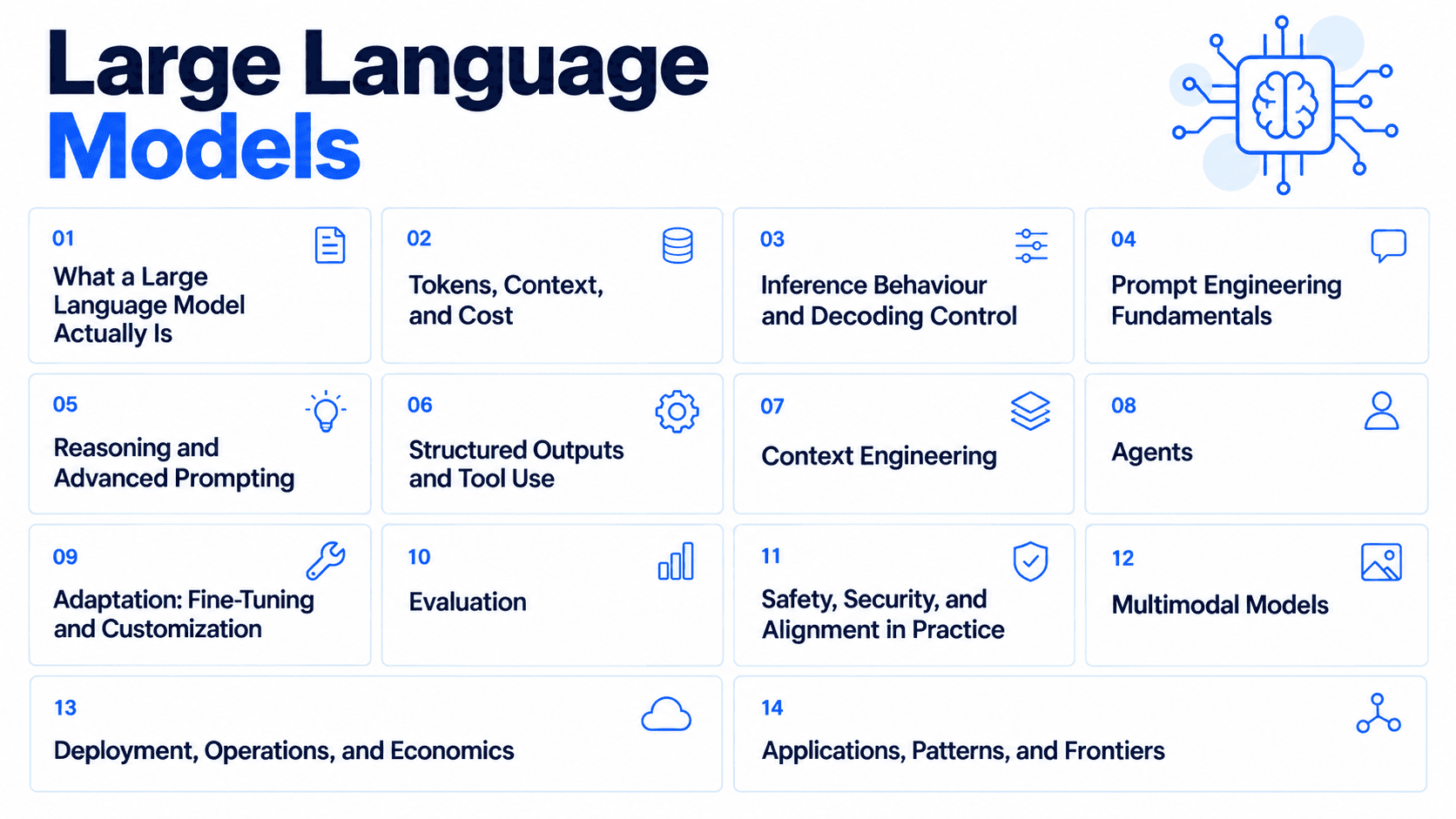 Large Language Models80 parts · 27h 0m · Free
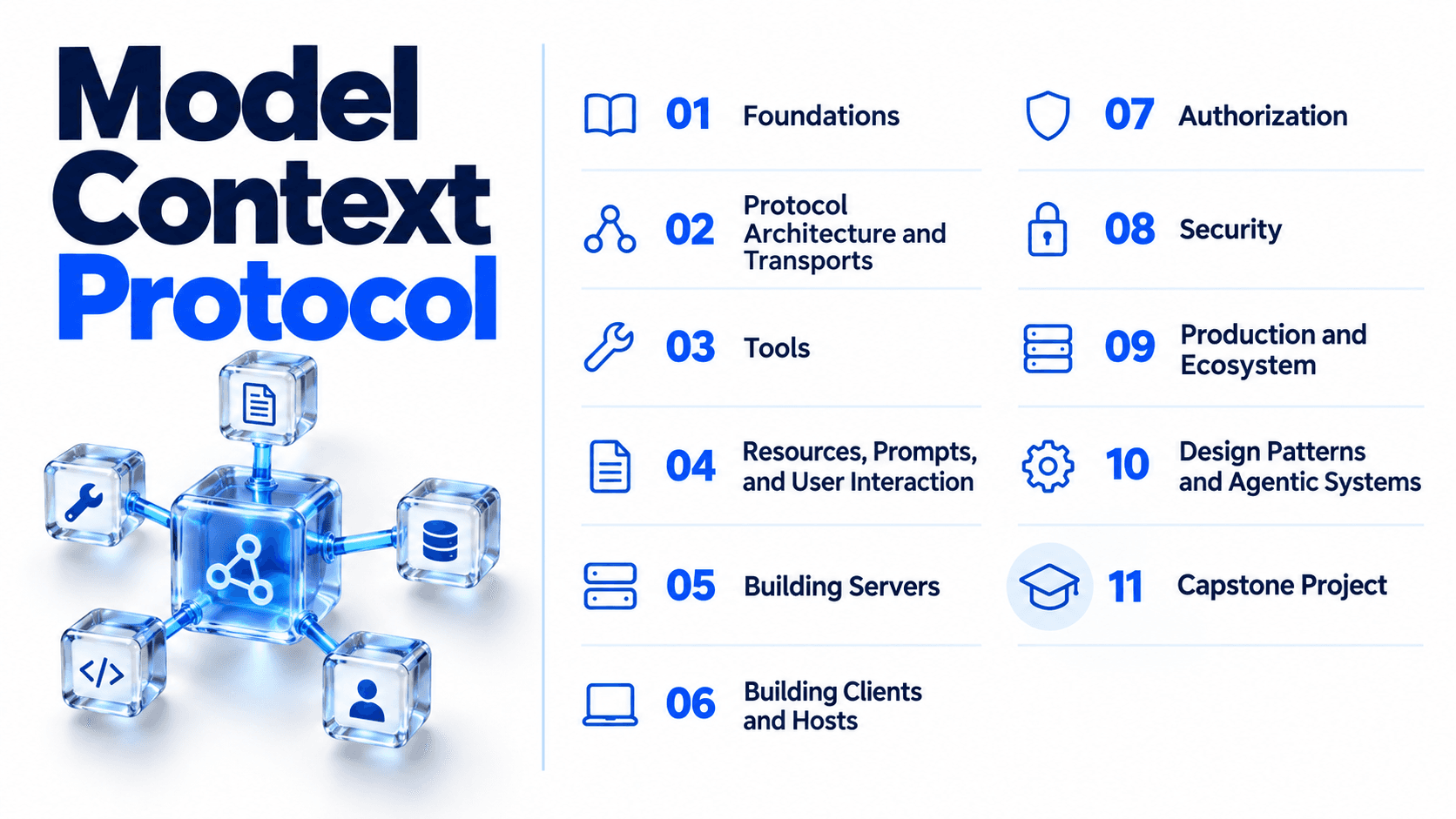 Model Context Protocol83 parts · 14h 44m · ₹199
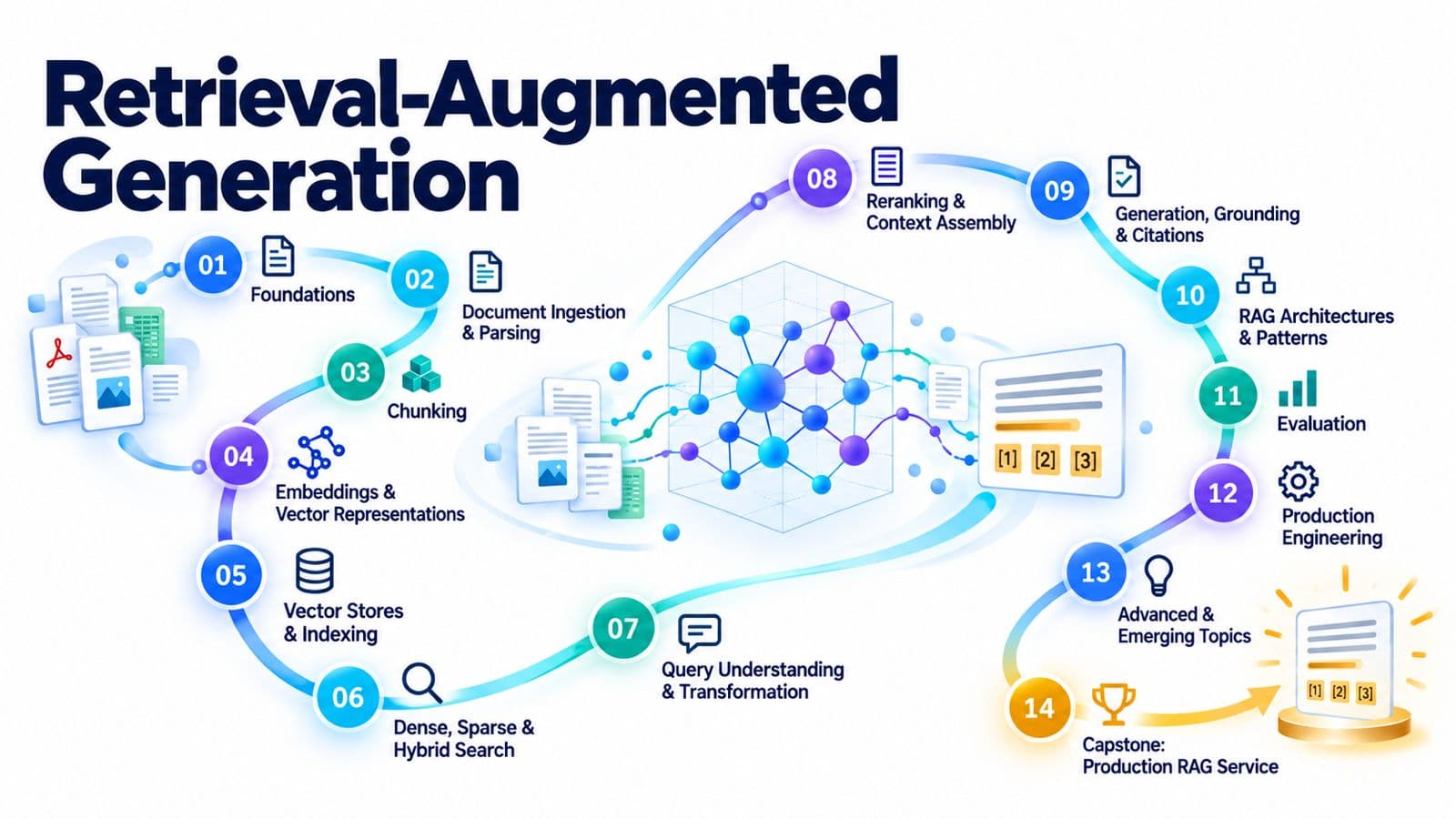 RAG82 parts · 13h 36m · ₹399
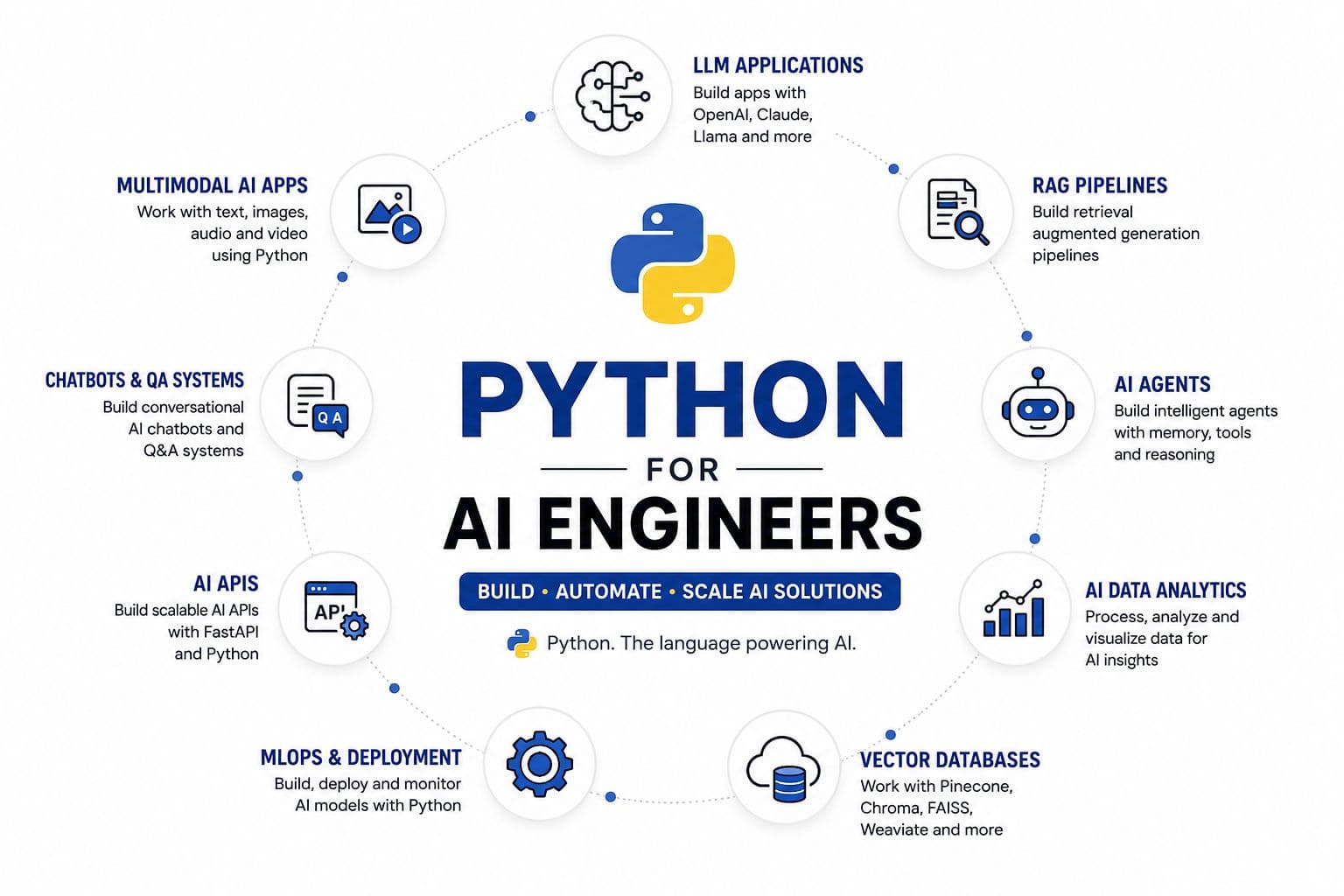 Python79 parts · 7h 28m · Free